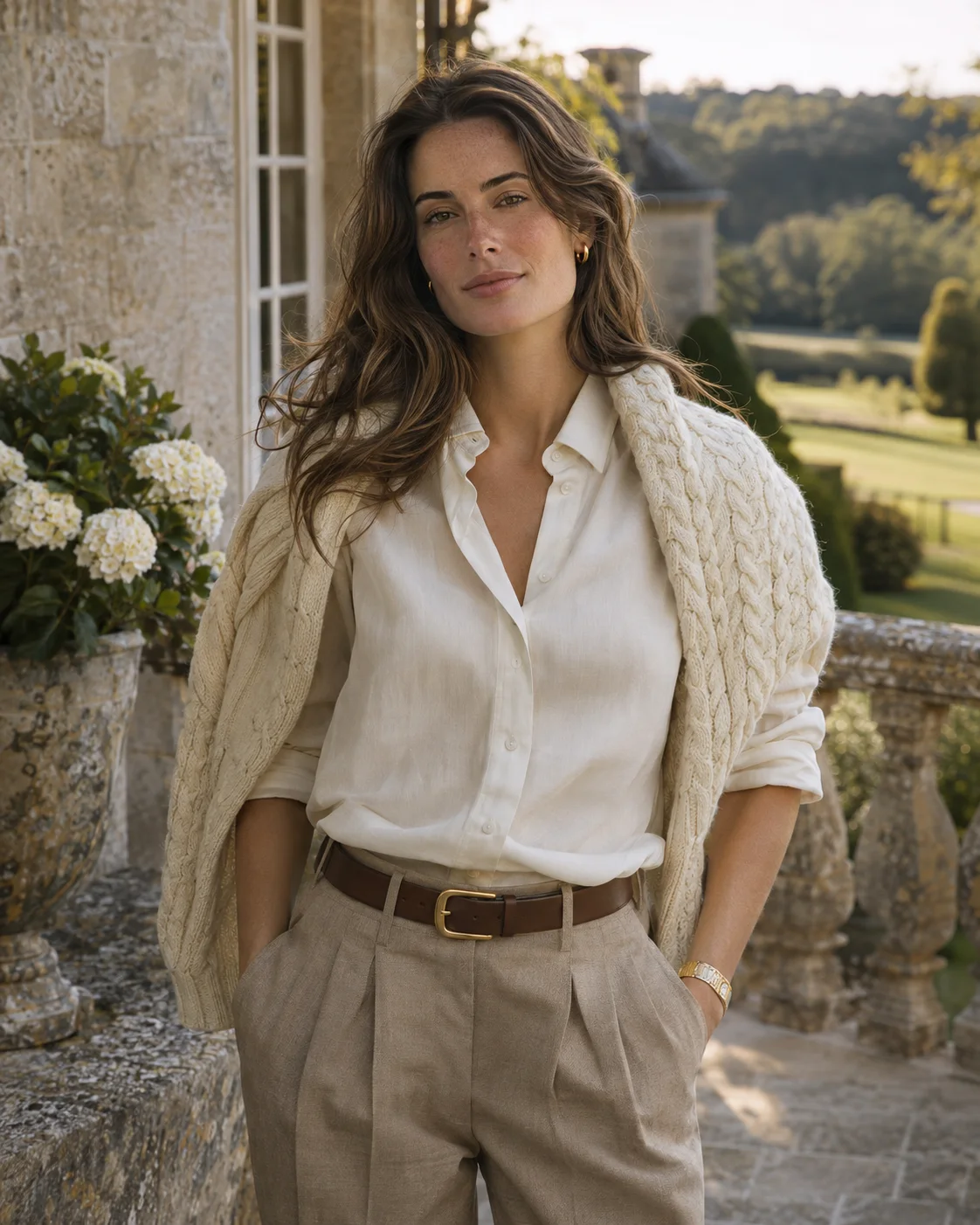
Old Money
Country club portraits with soft estate light
AI Photoshoot Generator
Our AI photoshoot generator turns one selfie into studio-quality photos. Choose a template, upload a clear picture and get your photos, with no photographer needed.
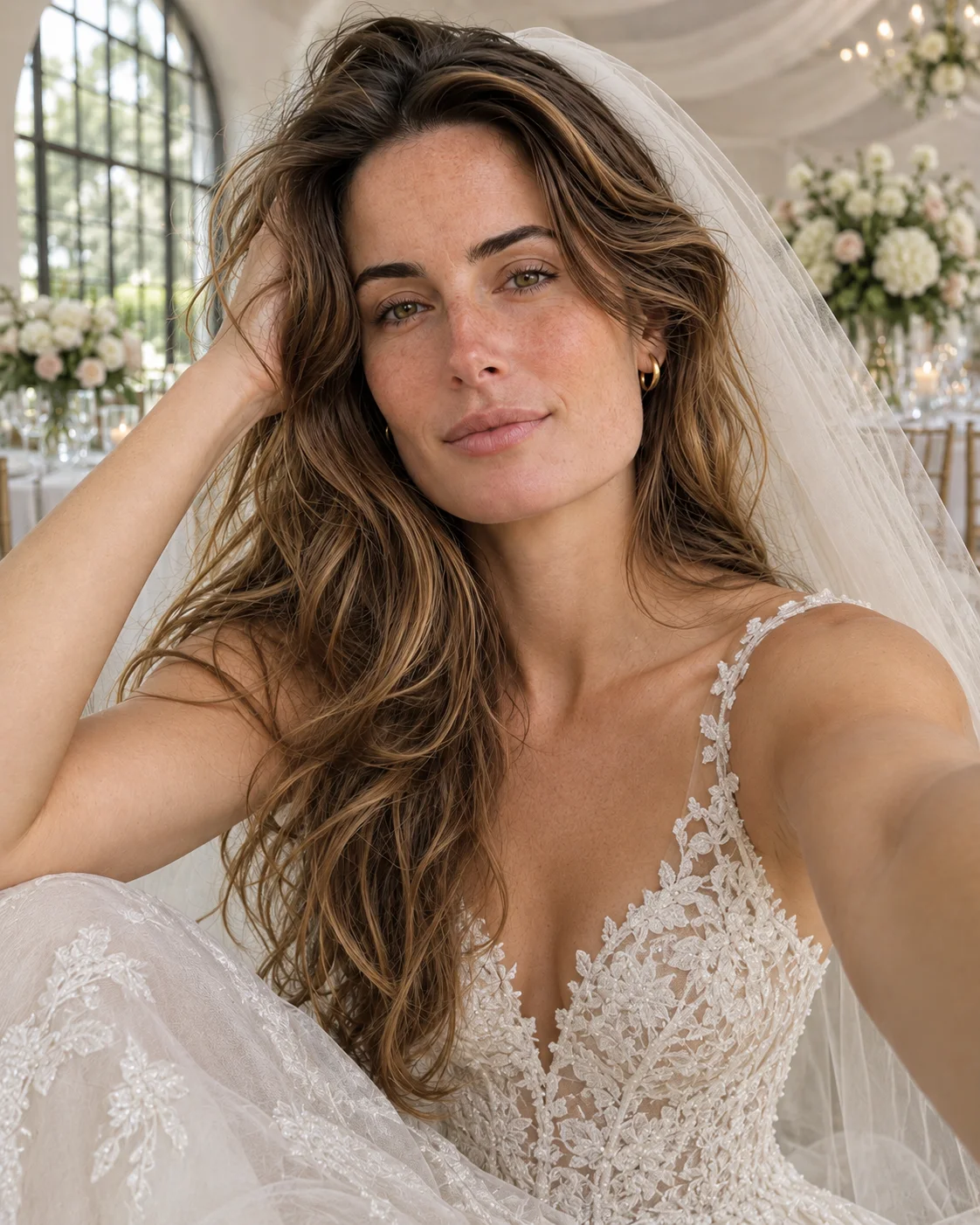
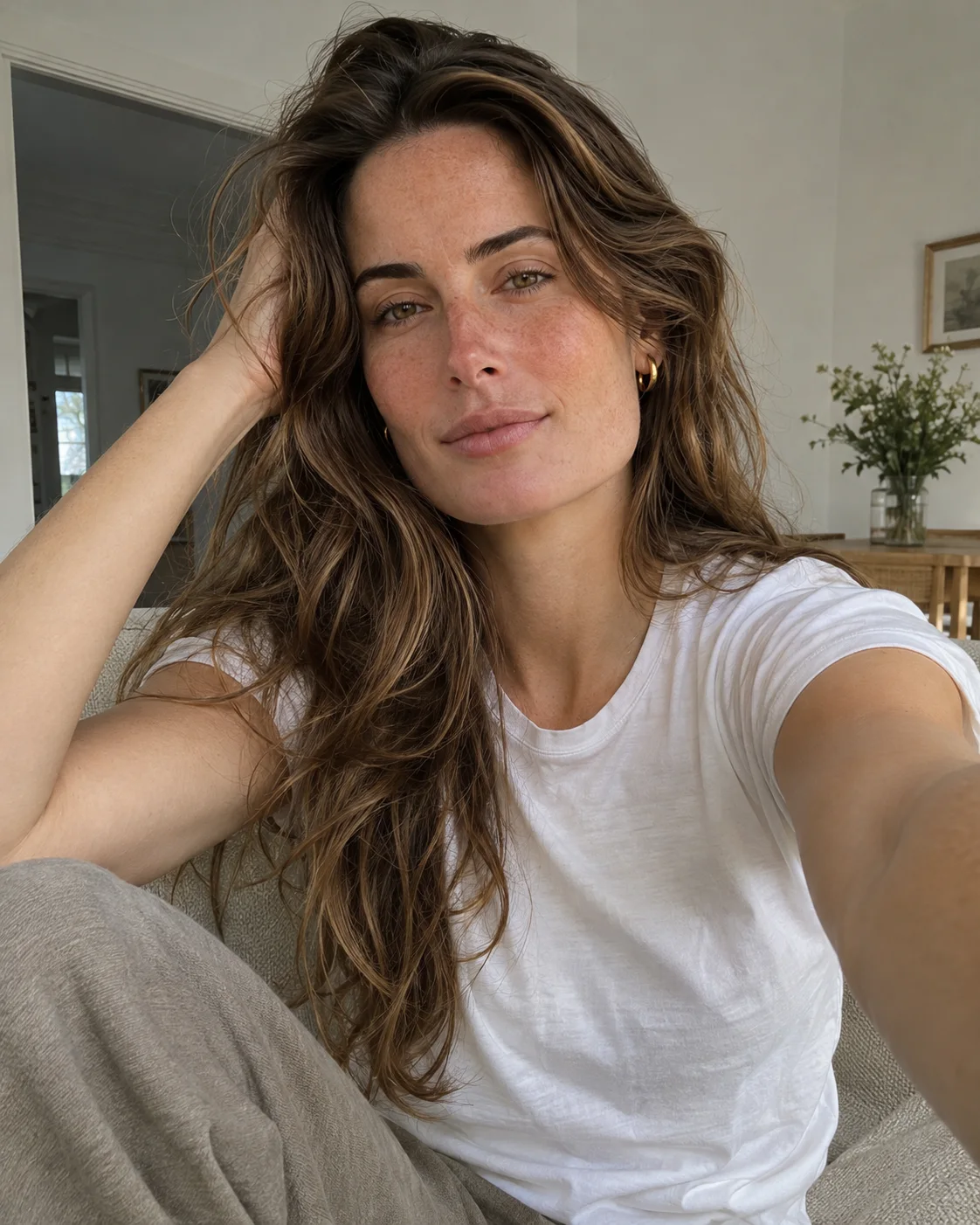 OriginalAI photoshoot
Browse popular templates by style and occasion, then create the same look with your own photo.
Country club portraits with soft estate light
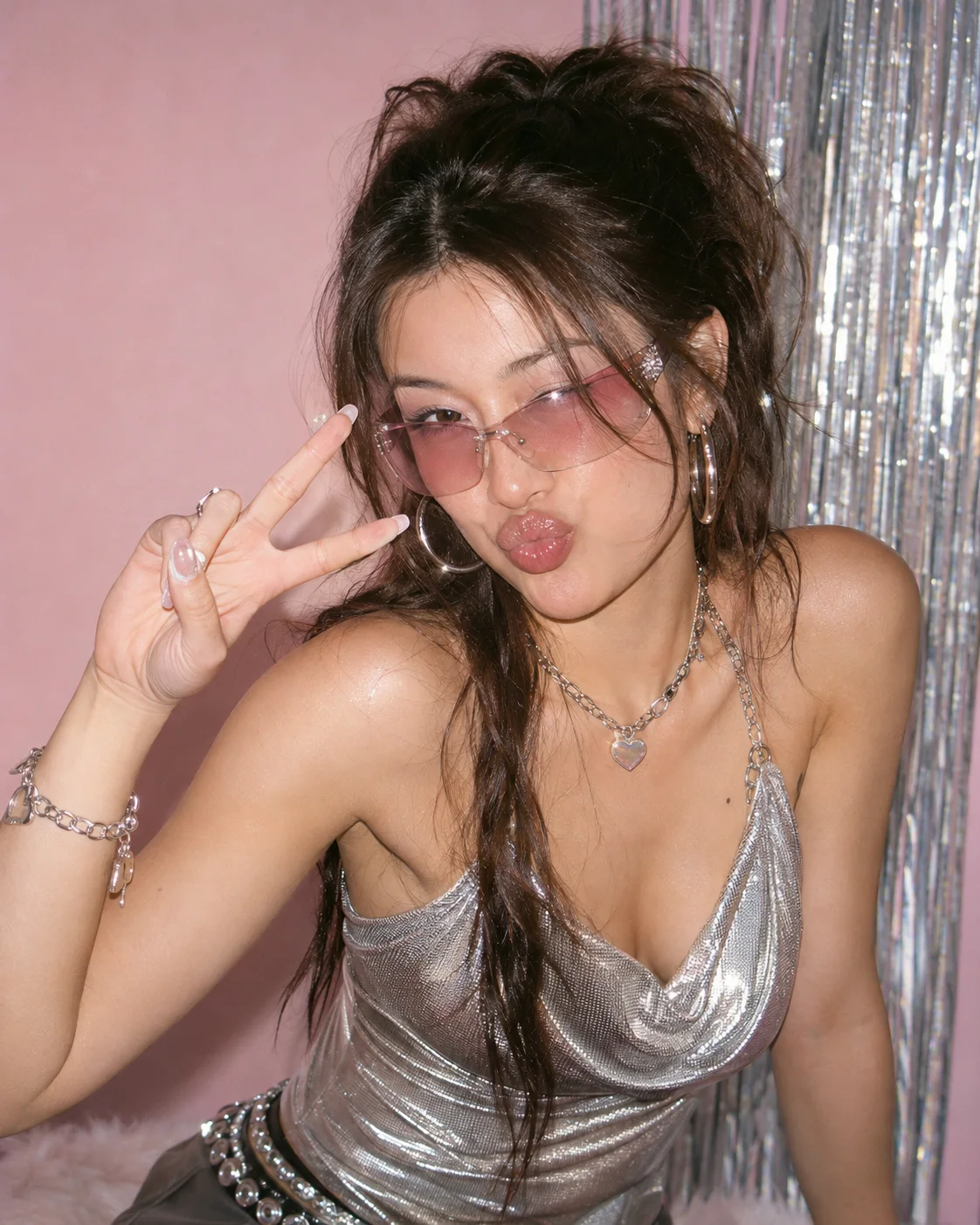
Glossy 2000s colour and on-camera flash
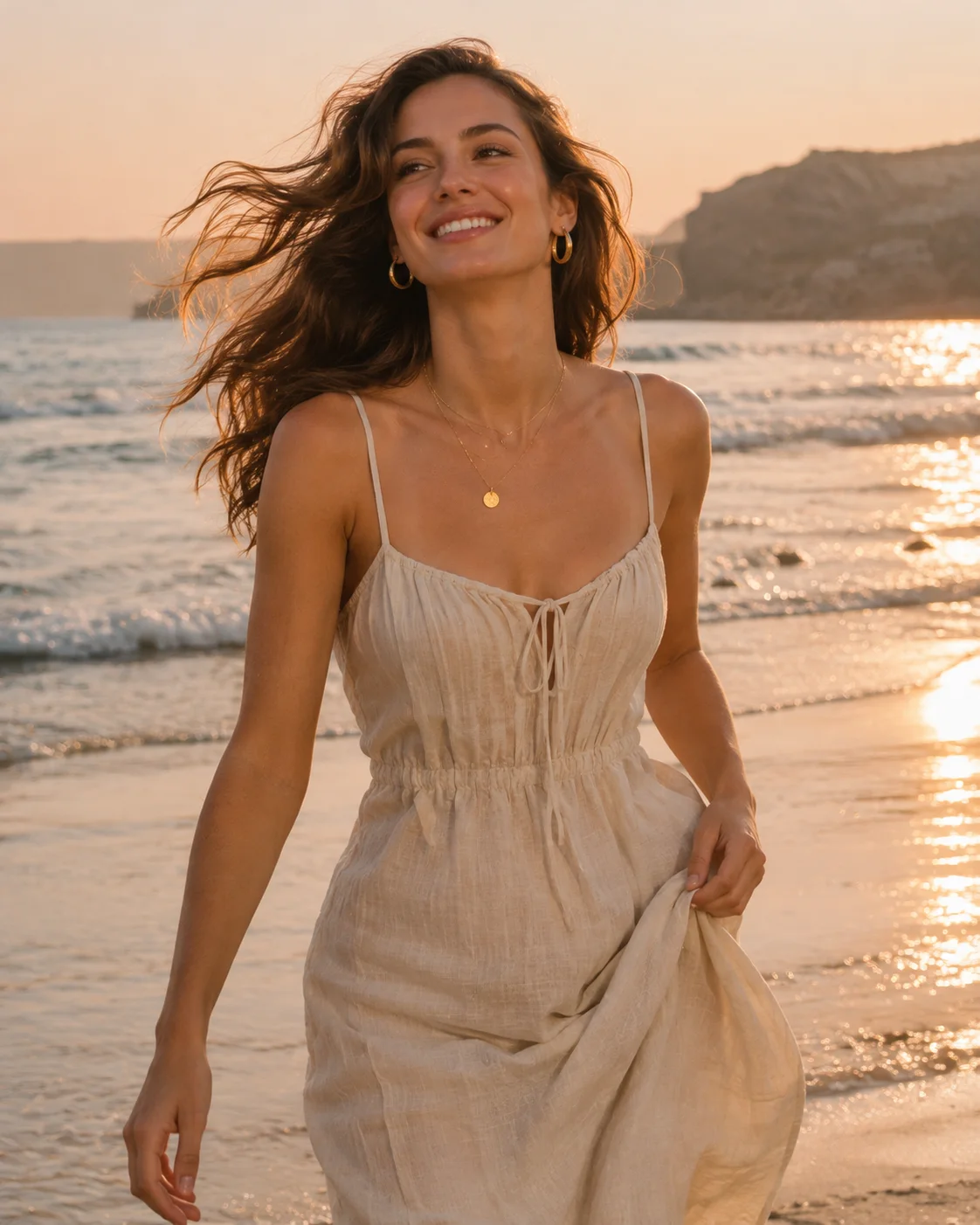
Warm vacation portraits by the water
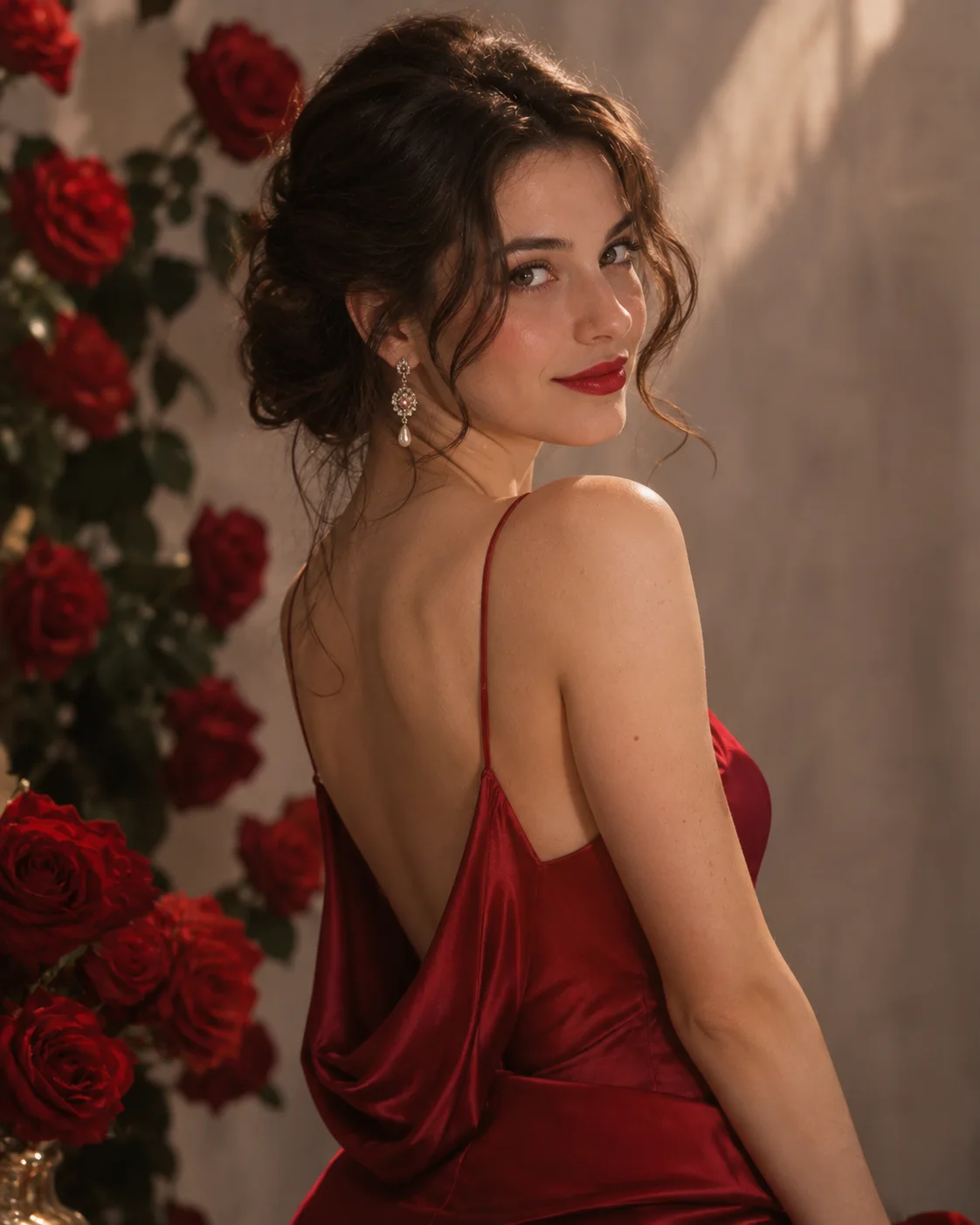
Rose-lit back view with a glamorous finish
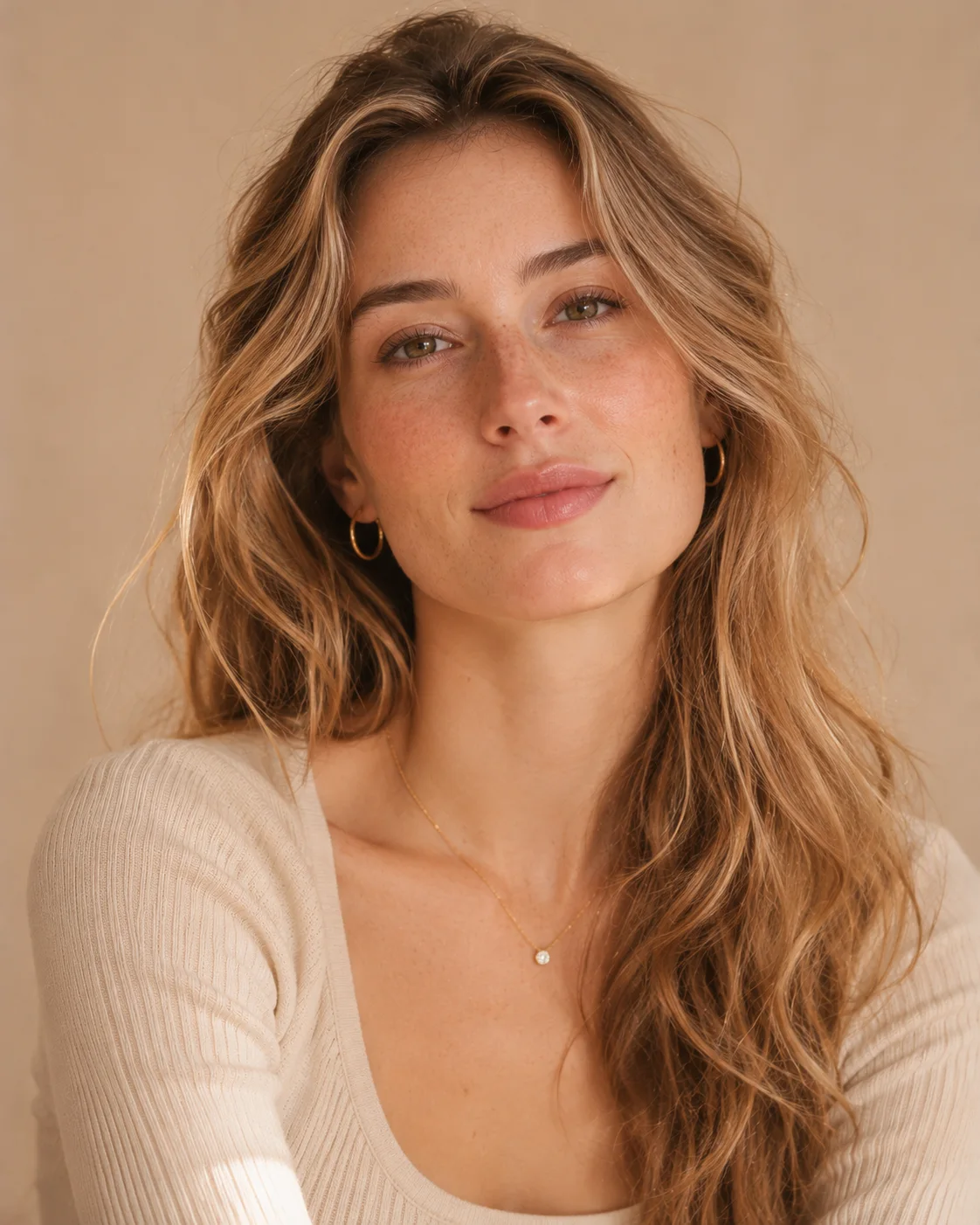
A calm backdrop and gentle window light
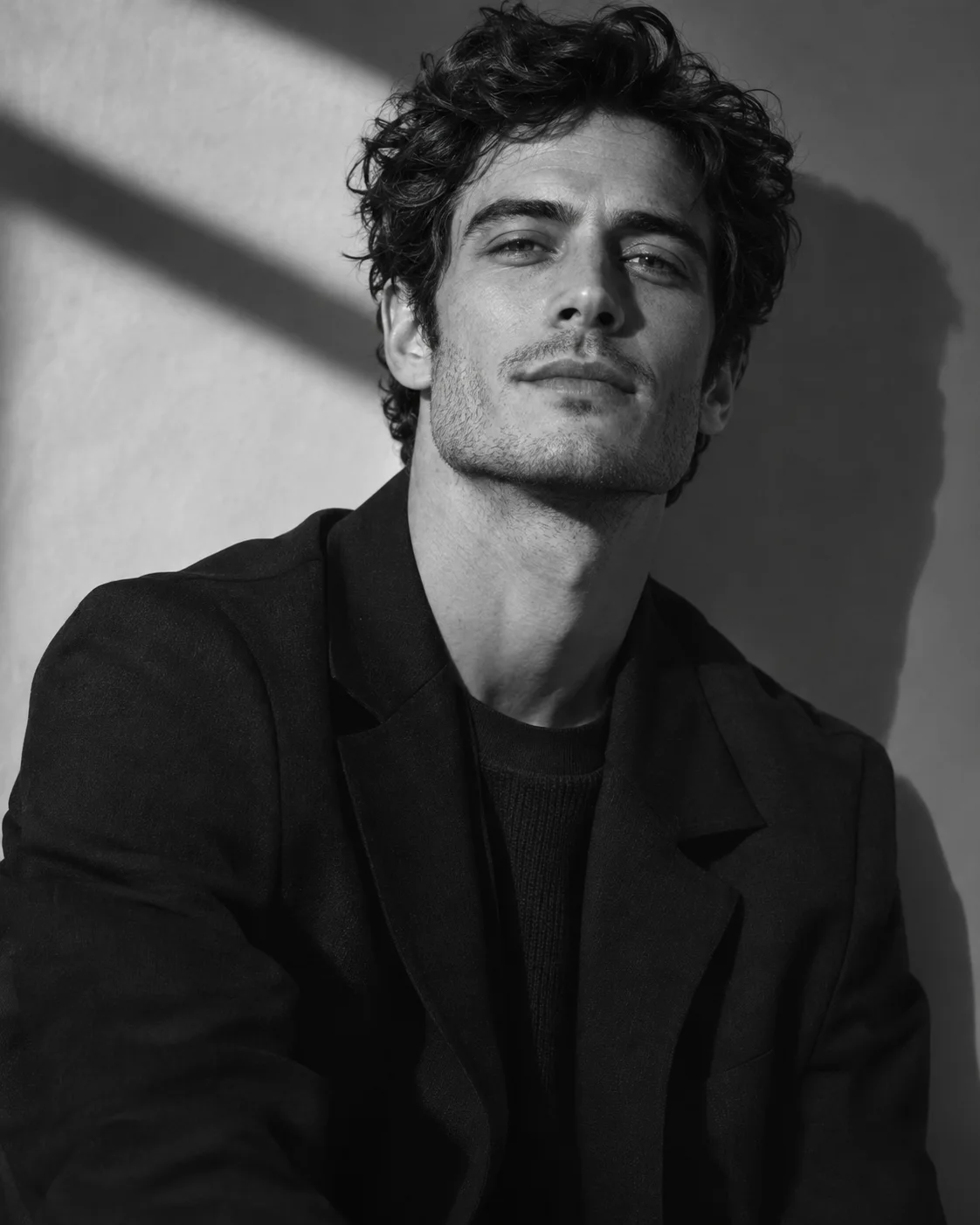
Graphic black and white with deep shadow
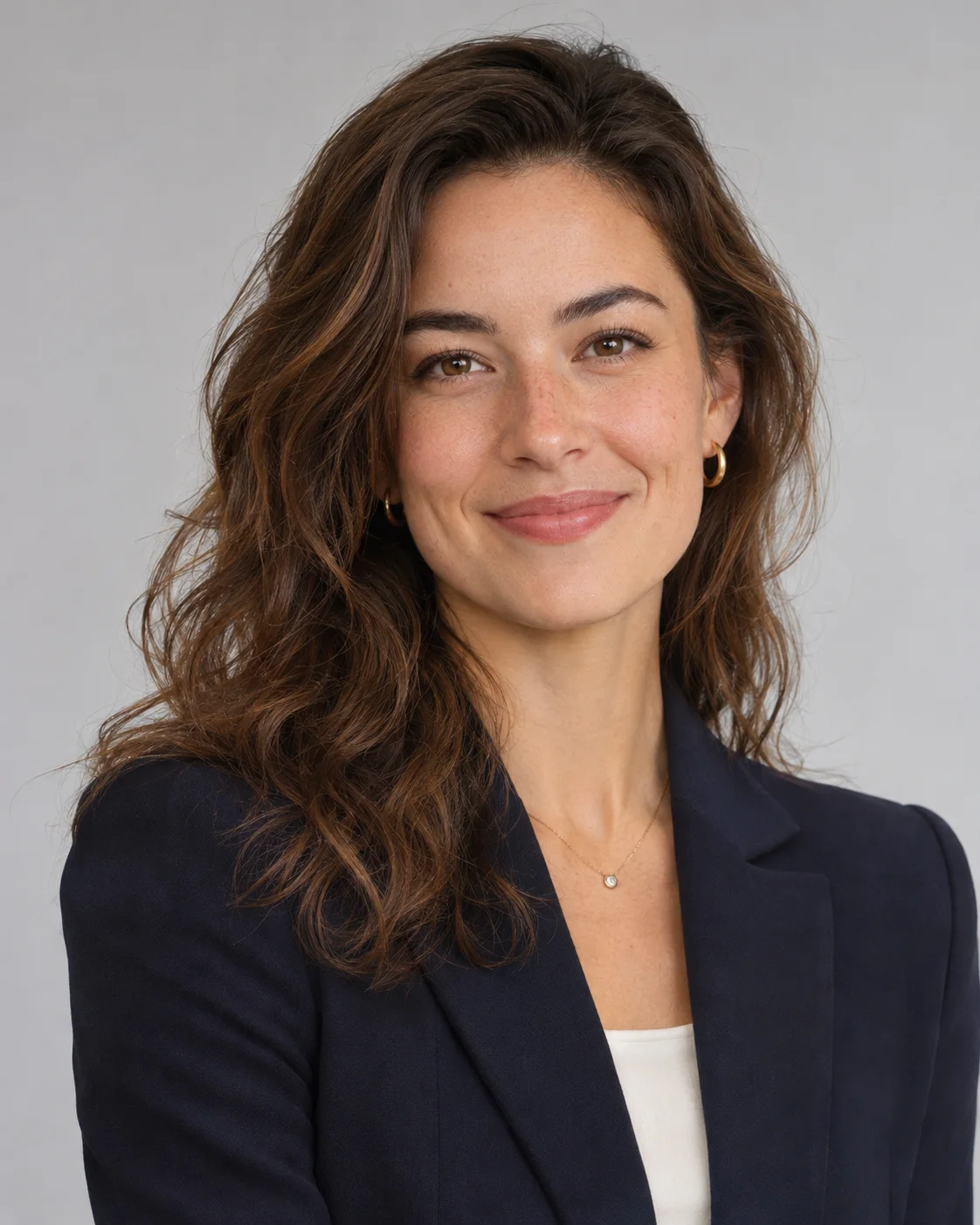
Neutral backdrop for professional profiles
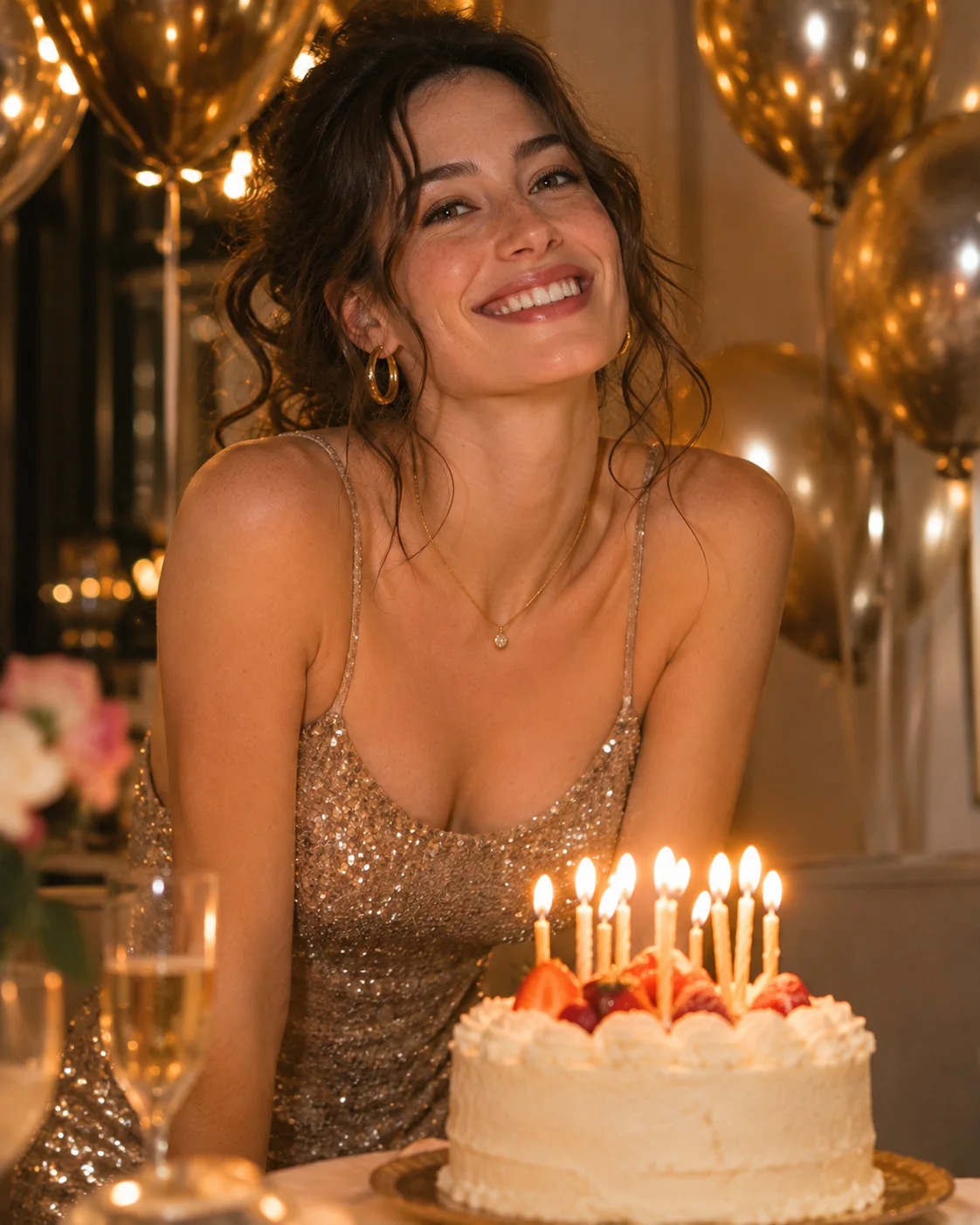
Balloons, candlelight and a party dress
Three simple steps, and you can do all of them from your phone.
Choose a clear photo where your face is well lit and easy to see. A normal phone picture is fine.
Pick a look by people, occasion or style. Each template sets the outfit, location and light, so you never write a prompt.
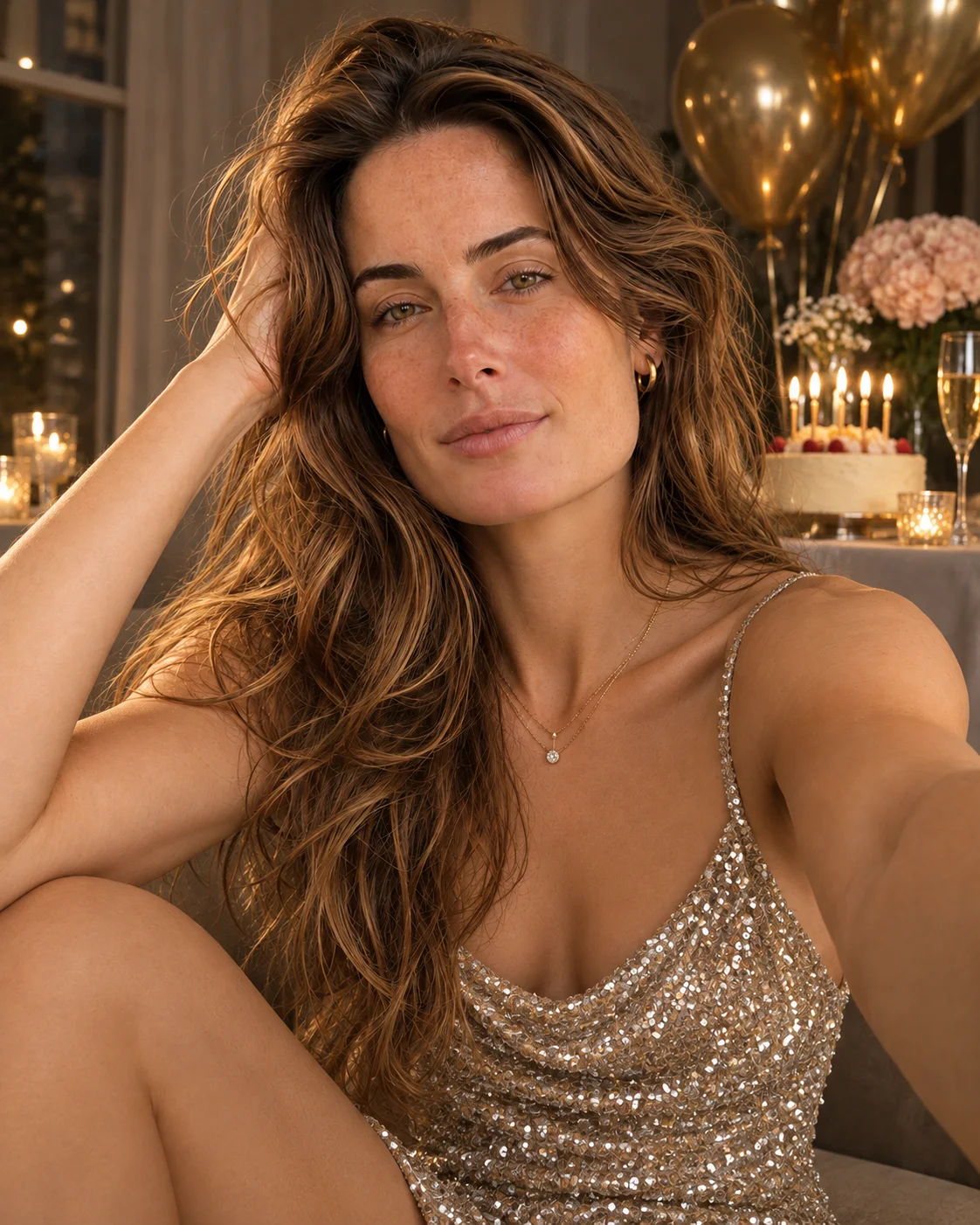
Review your results and save your favourites. Want a different feel? Try another template with the same photo.
Our AI photoshoot maker works best when you start with where the photos will be used, then pick the template that suits that moment.
Refresh your profile picture or plan a set of posts without booking a shoot. Soft Studio gives you a calm look that suits almost any profile, while Monochrome and Red Dress are stronger choices when you want a portrait that stands out in a busy feed.
Browse AI portrait templatesA work profile should look calm and approachable rather than dramatic. The Clean Headshot template uses a neutral backdrop and simple styling, which suits LinkedIn, a company website or a speaker bio. Start with a front-facing photo and a natural expression.
Use the Clean Headshot templateA birthday post can be brighter and more playful than your everyday photos. Milestone Glam brings balloons, candlelight and a party dress into the frame, so you can mark a 21st, a 30th or any big year, even if there was no time to plan a shoot.
Use the Milestone Glam template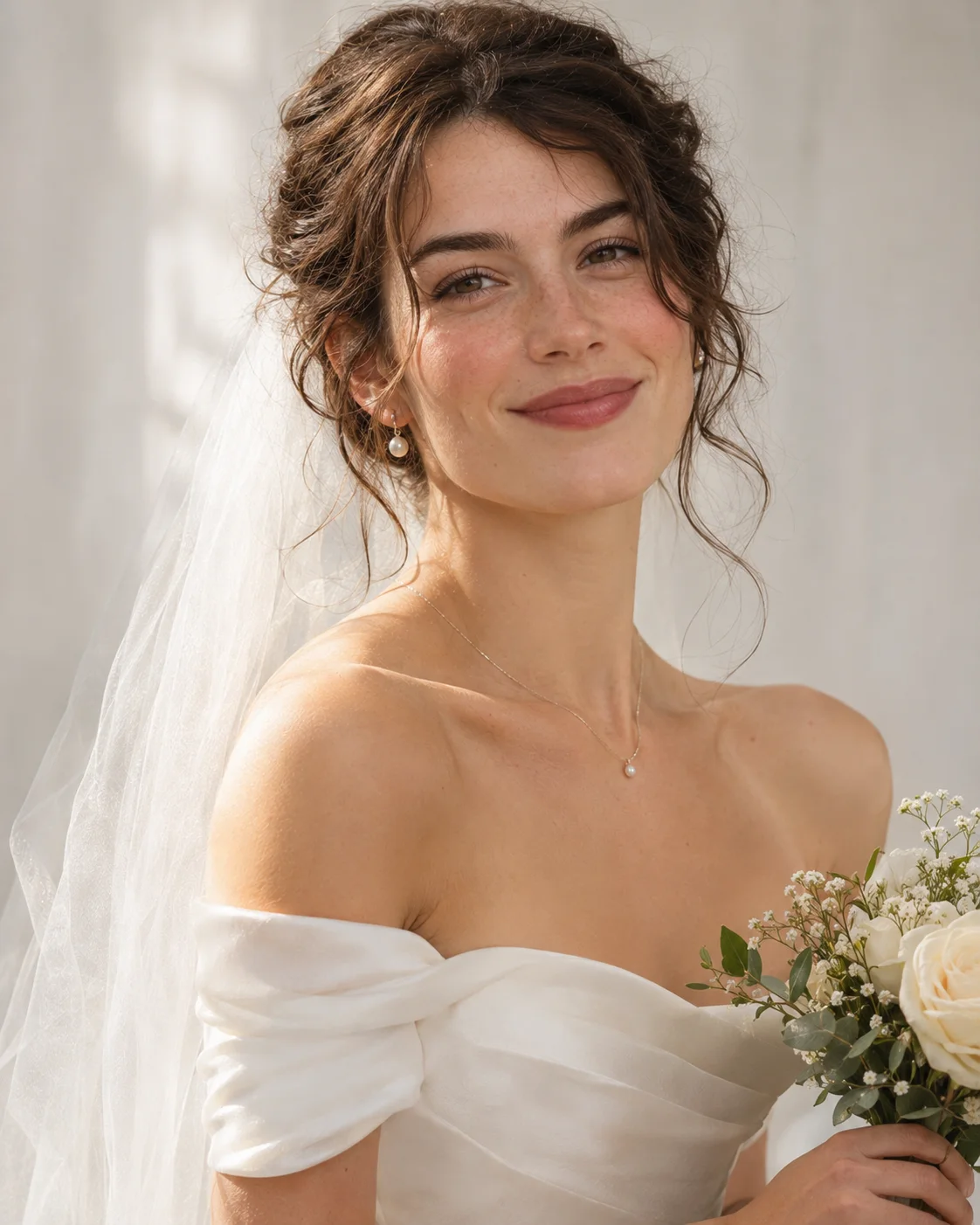
Curious how a veil and a classic white gown could look on you? Classic Bridal is a low-pressure way to explore bridal styling before a fitting, or simply to create a portrait for fun. For the wedding day itself, we still recommend hiring a photographer.
Use the Classic Bridal template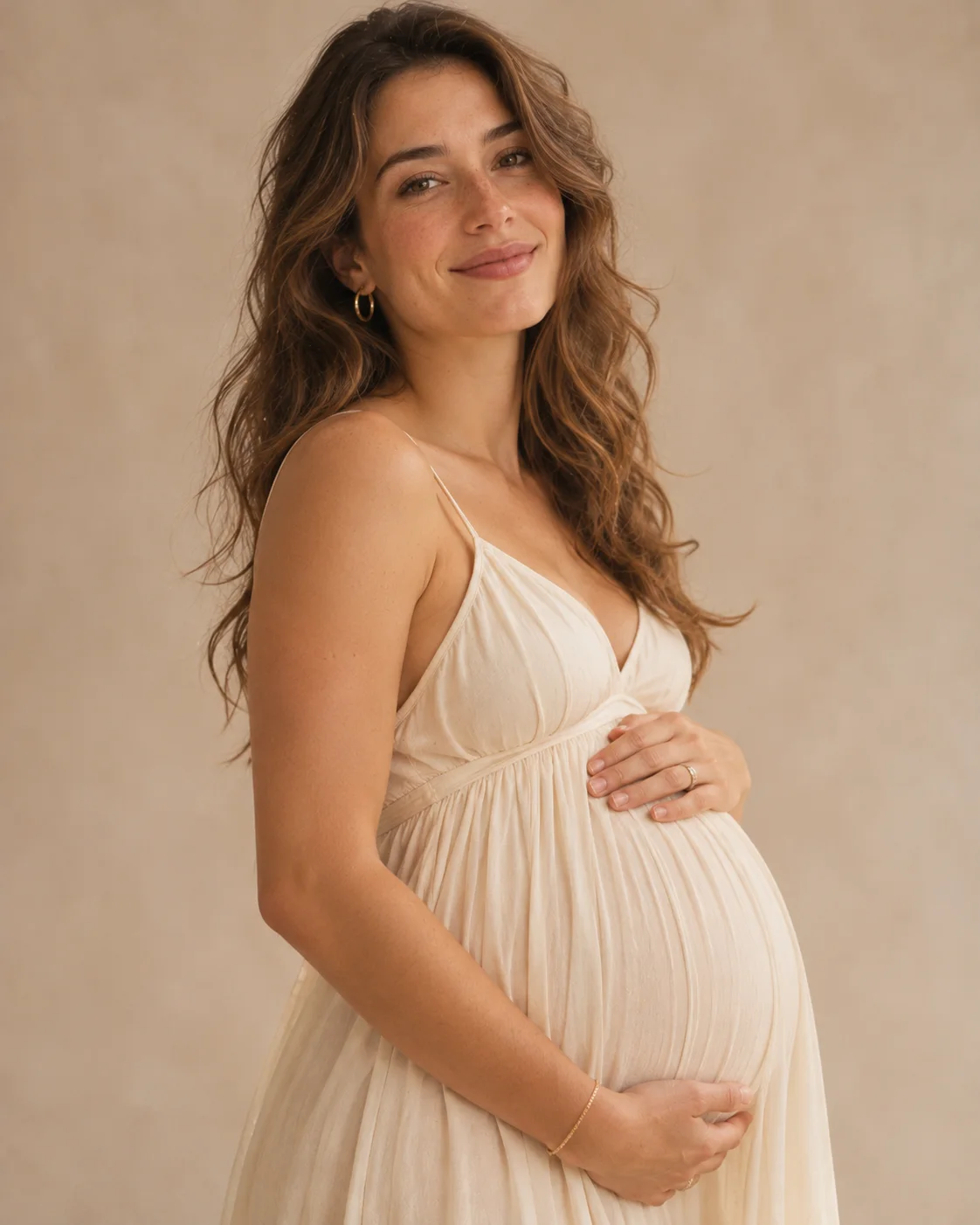
Not everyone has the energy or budget for a studio session during pregnancy. Soft Maternity uses flowing fabric and a quiet studio mood, so you can create a gentle set of portraits from home and share only the ones that feel right.
Use the Soft Maternity templateWant a relaxed holiday look for your profile? The Beach template adds warm light and a view of the water. If you prefer a more polished getaway feel, Old Money offers soft estate light and quiet country club styling instead.
Use the Beach templateNot sure which template to try first? If you only want a better profile picture, Soft Studio or Clean Headshot are simple places to begin, because the backdrop is calm and your face stays the focus. Choose a themed template such as Old Money or Milestone Glam when you have a specific post or occasion in mind.
The AI can only work from what it can see, so a clear view of your whole face matters more than an expensive camera. These sample images show what works and what makes your face hard to read.
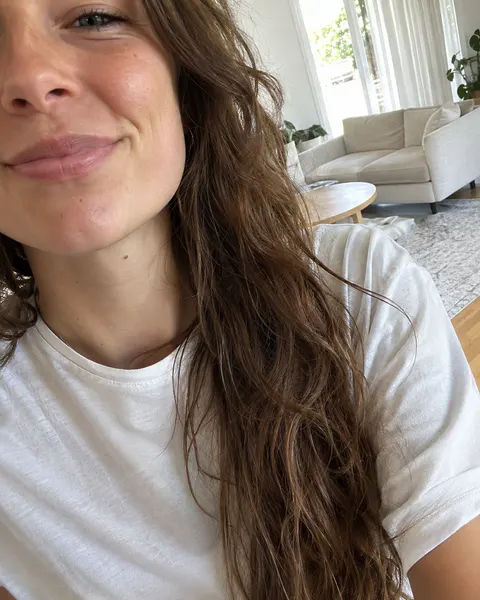
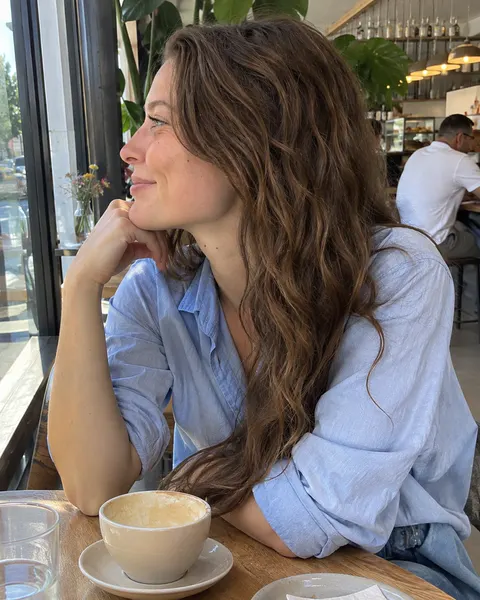
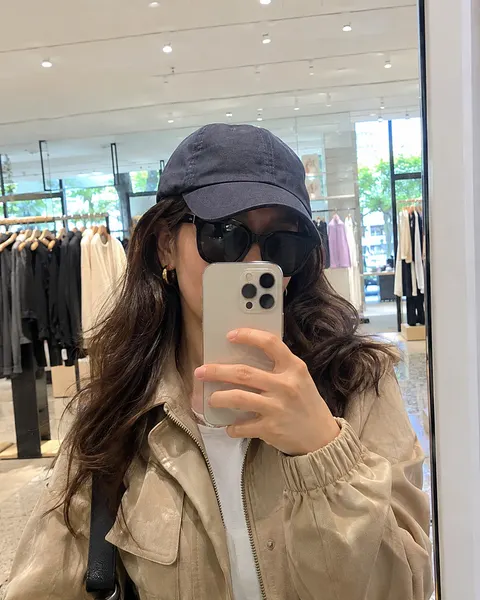
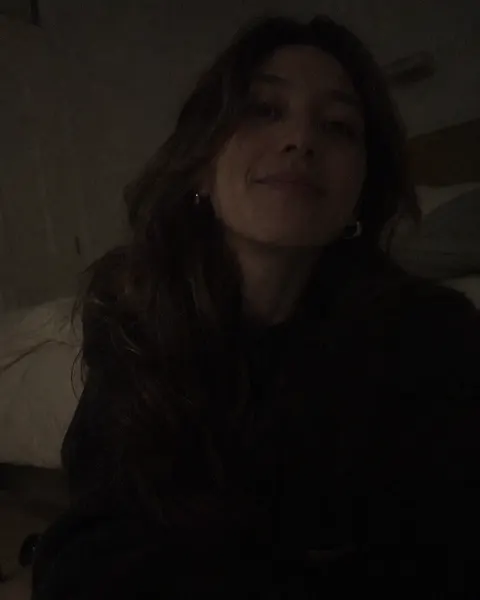
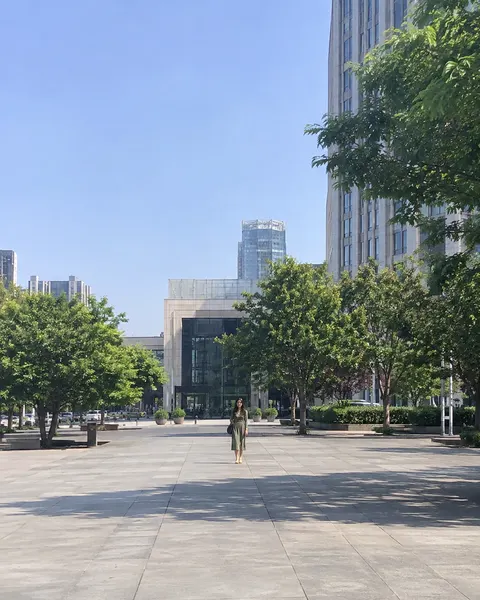
Only upload photos of yourself or of someone who has given you permission.
Good portraits, without learning prompts or booking a studio.
Your photo guides the face in every result, so you still recognise yourself in a new outfit and setting.
待确认:要等真实测试This AI photoshoot creator lets you pick a look from sample photos instead of learning how to write prompts. General AI image generators can take several attempts, while each template here already handles the outfit, setting and light.
A clear picture from your phone is enough to begin. There is no studio to book.
待确认:要等真实测试Find looks for work profiles, birthdays, weddings, maternity and everyday posts in one place.
Use the same photo with different templates and see which style suits you best. It is an easy way to try a new look on yourself before committing to a real session.
Use it on your phone or computer, with no app to install.
A few small choices before you start can make a real difference to your photos.
A LinkedIn profile calls for a calm background and simple clothing, while a birthday post can be brighter and more playful. Choosing the purpose first makes the template decision much easier.
Styles that look similar in a sample can feel very different on your face. Try two or three templates with the same photo, then keep the one that still looks like you at first glance.
If a result is not what you hoped for, try a clearer photo with more even light first. A shadow across your face or a low-quality picture gives the AI less to work from, whichever template you choose.
Your first try shows how your photo works with a template. If you like the result, buy credits to create more.
Upload a photo, pick a template and create your first result at no cost. There is nothing to install, because the AI photoshoot generator runs online in your browser.
After your free try, credit packs let you keep creating. Spend your credits on any style you like, whether that means more of one look or a few different templates.
Most people need a set of photos for a birthday or a new profile, then may not need more for months. That is why you pay for a pack when you need it instead of a monthly plan.
Quick answers to what people usually ask before they create their first photos.
Start with your photoOnly your first try is free. The AI photoshoot generator runs online, so there is nothing to install, and your free try shows how your photo works with a template before you pay for anything. After that, you can buy a credit pack if you want more photos.
An AI photoshoot is a set of portraits created by artificial intelligence from a photo of you. You upload a picture and choose a template, and the AI uses your photo as a reference for your face. It then creates new images using the outfit, setting and lighting defined by that template, so you do not need to write a prompt or plan a shoot.
Yes. The generator works in the browser on your phone or computer, so there is nothing to download or install. Open the site, upload your photo and choose a template.
Creating more photos after your free try uses credits, which you buy in packs. There is no subscription, and you only pay when you want more photos. You can compare the available packs on the pricing page.
It depends on what you need. An AI photoshoot is a quick way to get portraits for profiles and social posts, and to explore new looks. A photographer can direct you in person and capture real moments, so for a wedding day, a family gathering or anything you want to remember exactly as it was, we recommend hiring one.
待确认This answer will be confirmed once the generation technology is chosen and tested on real photos.
待确认This answer will be confirmed once photo storage and deletion rules are decided.
待确认This answer will be confirmed once the terms of service are finalised.
Your next portrait starts with one photo.
Start with your photo